
Tutorials
Ten demos that show
Signally at work.
Each video takes one feature of the editor and follows it end to end, in the real application. From the first row of a template to a banner campaign going live.
Commentary in French 10 demos 12 minutes
Open the editor
The walkthrough
Every part of the editor, in under two minutes each
Nine short demos, in the order you actually build a signature: structure first, content next, the campaign last.
9 demos
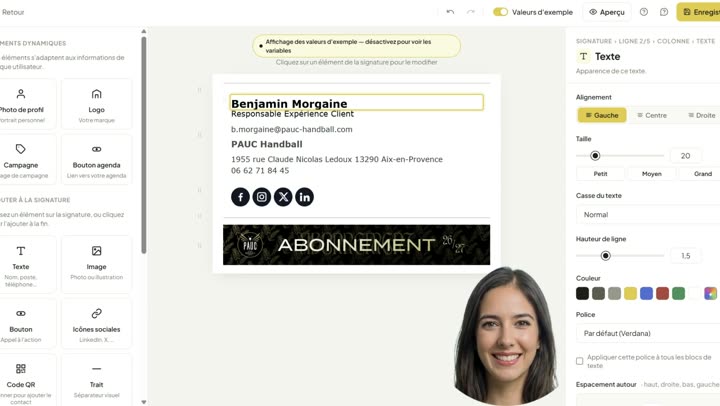 1:38 02 The three panes of the editor The block library, the canvas and the properties panel: what sits where, and the order to work in when you open the editor for the first time. Play video
 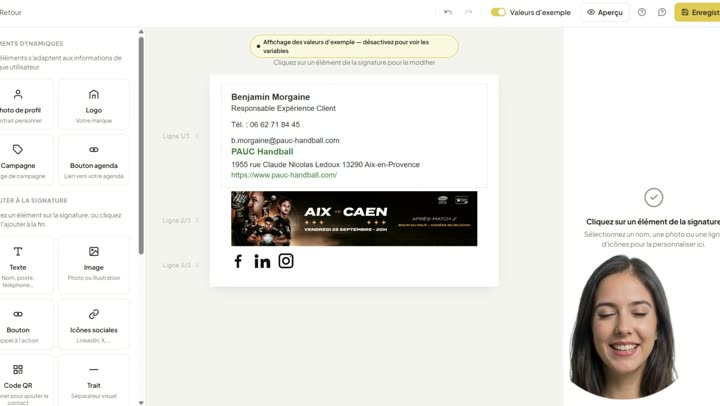 0:59 03 Zoning: rows and columns Structure before content. How to break a signature into rows and columns so the layout holds up in Outlook as well as in Gmail. Play video
 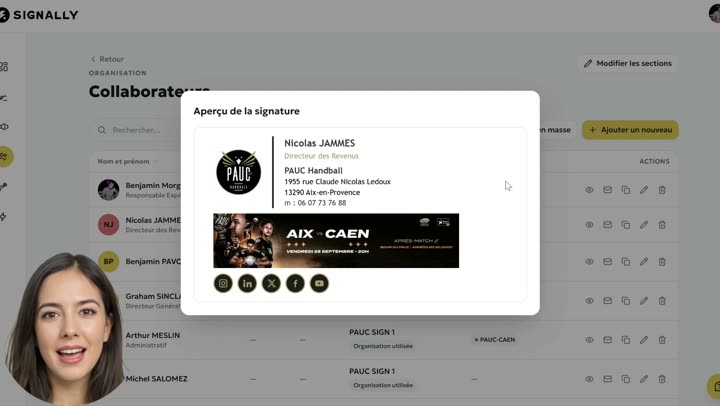 1:25 04 Dynamic fields Replace the name, job title and phone number with fields that fill themselves from the directory. One template then serves the whole company. Play video
 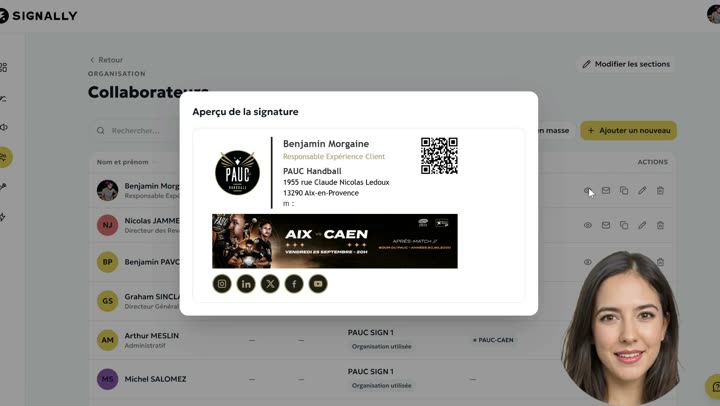 1:28 05 Display conditions Show a block only when it earns its place: hide a row left empty, keep a legal line for one team, reveal a visual based on the employee record. Play video
 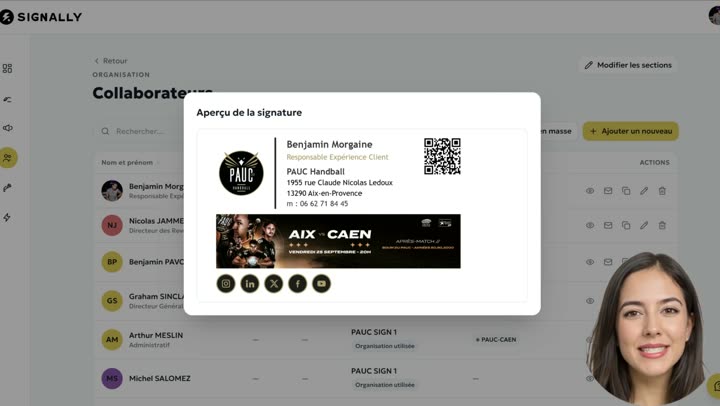 1:15 06 Spacing and padding Inner margins — the quiet setting that separates a crisp signature from a rough one. Where to act, and what email clients actually honour. Play video
 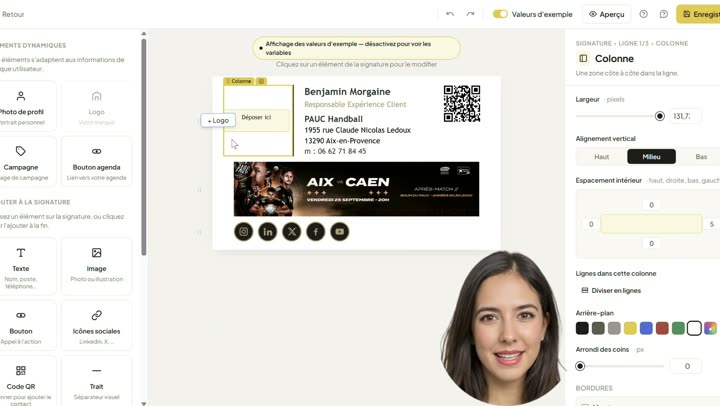 1:12 07 Logo: import, crop, fine-tune Import the logo, crop it and size it so it stays sharp on high-density screens without weighing the message down. Play video
 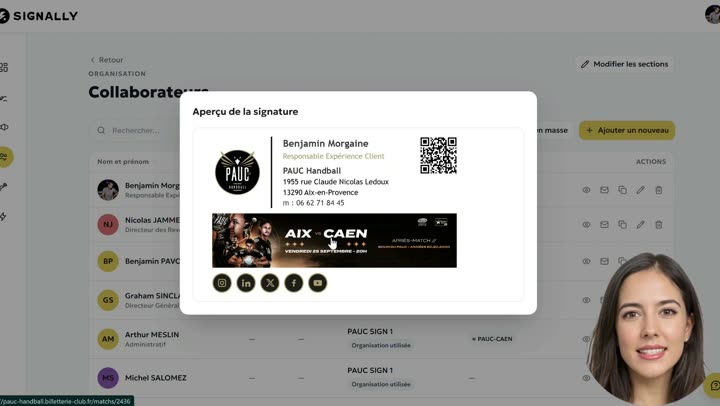 1:18 08 Banner campaign Create a banner, choose the teams that carry it and set its dates. The campaign then starts and stops on its own. Play video
 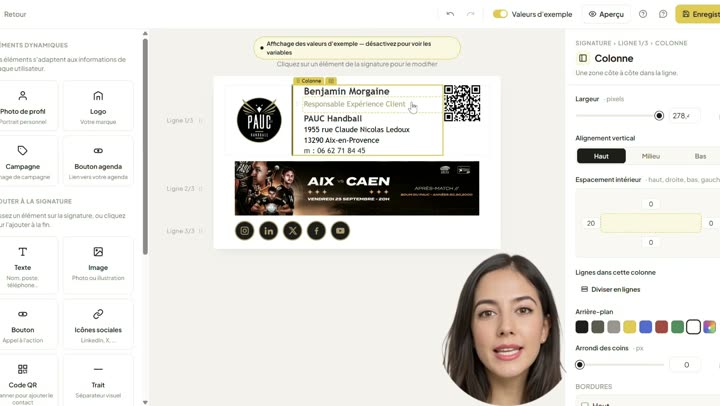 0:56 09 Text formatting Typefaces, sizes, colours and line height: setting the signature typography while staying inside what email clients can render. Play video
 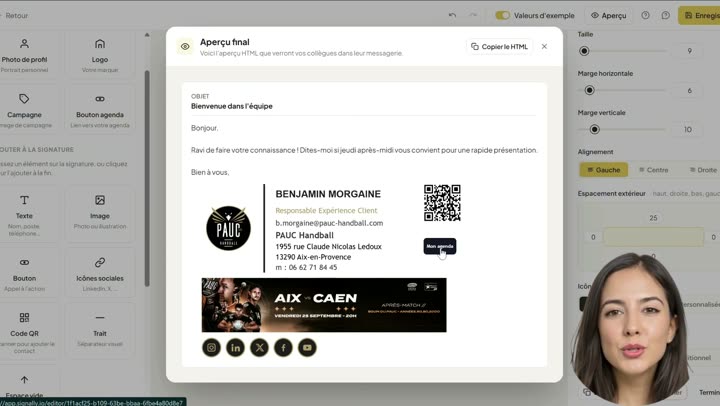 0:48 10 The meeting-booking button Add a booking button under the signature so the people you write to can grab a slot without a back-and-forth of emails. Play video
 No demo in this topic.
Frequently asked questions
Do I need an account to watch these demos?
No. All ten videos are freely available on this page, with no sign-up. An account is only needed to open the editor and build your own template, which is still free and needs no credit card.
Do I need to know how to code to reproduce what is shown?
No. Everything you see is done with the mouse in a visual editor. The HTML it produces is tuned for email clients, which avoids the classic mistakes of hand-written code.
What language are the videos in?
The commentary is in French. If you would rather have a walkthrough in another language, ask us for a live session: we take twenty minutes to go through the tool with you.
How long does a first signature take?
Around five minutes for a simple template started from the library, and half a day to design a full company template and attach it to your teams.
Do all of this in Signally
Open the editor and start from the template closest to what you need. Creating a signature is free and needs no credit card.